
Best WordPress Security Plugins in 2026: What to Use and What to Skip
A hacked WordPress site rarely makes the news, but it quietly costs businesses leads, search rankings and customer trust. The numbers show why it matters: Patchstack’s State of WordPress Security in 2026 report counted more than 11,000 new vulnerabilities across the WordPress ecosystem in 2025, and roughly nine in ten were in plugins rather than in WordPress core.
A security plugin will not make a site unhackable, but it is one of the most practical layers of protection you can add. This guide explains what these plugins actually do, compares the most trusted options, and helps you choose the right one for your site.
What a security plugin can and cannot do
A good security plugin can:
- Block malicious traffic with a web application firewall (WAF)
- Scan for malware and unexpected file changes
- Protect your login page with attempt limits and two-factor authentication (2FA)
- Alert you to vulnerable plugins and themes
- Keep an activity log of who changed what
It cannot fix weak hosting, replace regular updates and backups, or protect a site whose admin password is reused from another breached account. Think of security in layers: hosting, updates, firewall, login protection and backups. Plugins mainly help with the middle three.
What to look for in a security plugin
- Firewall: either on your own server (endpoint) or in the cloud, in front of your server
- Malware scanning: and, ideally, a way to clean an infection
- Login protection: attempt limits, 2FA, CAPTCHA
- Vulnerability alerts: for outdated or flawed plugins and themes
- Activity log: so you can see what changed and when
- Light footprint: it should not slow your site down
- Support: someone to turn to when something goes wrong
The best WordPress security plugins in 2026
1. Wordfence Security: best free all-rounder
Wordfence is one of the most widely used all-in-one options. It combines a firewall that runs on your own server, a malware scanner and login protection, and its free version is genuinely useful. Premium adds real-time threat intelligence, while the free version receives new rules with a delay.
Best for: DIY site owners and general business sites.
Watch out for: because it runs on your server, it can add load on low-end shared hosting, and alerts can feel noisy until you tune the settings.
2. Sucuri: best cloud firewall and hack cleanup
Sucuri works differently. Its firewall sits in the cloud in front of your website and filters traffic before it reaches your server, and the paid plans include a CDN and malware cleanup. The free WordPress plugin is mostly for scanning, hardening and activity logging; the real protection comes with the paid firewall.
Best for: business and e-commerce sites that want protection plus expert cleanup.
Watch out for: it needs a DNS change to activate the firewall, and it is one of the pricier options.
3. Solid Security (formerly iThemes Security): best for login hardening
Solid Security was renamed from iThemes Security in 2023. It focuses on hardening: two-factor authentication, brute-force protection, file change detection and a guided setup that suits beginners. The Pro version adds virtual patching through Patchstack.
Best for: beginners and small business sites.
Watch out for: it is less of an active malware-defence tool than Wordfence or Sucuri.
4. Patchstack: best for vulnerability protection
Patchstack specialises in vulnerabilities. It tracks known flaws in WordPress core, plugins and themes, alerts you, and its paid plans can apply virtual patches that block an exploit before you have updated the vulnerable plugin.
Best for: agencies and sites that rely on many plugins.
Watch out for: it is not a full all-in-one. It does not replace a malware scanner or login protection, and the free tier is limited.
5. MalCare: best hands-off scanning and cleanup
MalCare runs its scans on its own servers, which keeps the load off your hosting, and its paid plans offer one-click malware cleanup.
Best for: non-technical owners who want a hands-off option.
Watch out for: the free version only scans, so cleanup needs a paid plan.
6. All-In-One Security (AIOS): best budget-friendly basics
AIOS is a free plugin that covers the basics: login security, firewall rules, file change detection and database hardening.
Best for: small sites on a tight budget.
Watch out for: many options on one screen can overwhelm beginners, so stick to the recommended settings.
Also worth knowing
- Jetpack: its security features, including backups and vulnerability scanning, make sense if you already use Jetpack.
- Cloudflare: the free tier adds basic cloud-level protection in front of almost any site and can be combined with an on-site plugin.
Quick comparison
| Plugin | Type | Free version | Strongest at | Best for |
|---|---|---|---|---|
| Wordfence | On-server firewall and scanner | Yes, strong | Firewall and malware scanning | DIY owners, business sites |
| Sucuri | Cloud firewall and service | Limited | WAF, DDoS protection, cleanup | Business and e-commerce sites |
| Solid Security | On-site hardening | Yes | Login protection, 2FA | Beginners, small sites |
| Patchstack | Vulnerability monitoring | Limited | Plugin and theme vulnerabilities | Agencies, plugin-heavy sites |
| MalCare | Cloud-assisted scanner | Scan only | Malware detection and cleanup | Non-technical owners |
| AIOS | On-site hardening | Yes | Basic hardening | Budget sites |
A note on pricing: paid plans for these tools generally run from roughly 100 to 230 US dollars per site per year, but prices differ by plan, billing term and region, and they change often. Check each vendor’s pricing page before you buy.
Which one should you choose?
- Small blog or brochure site: pick one free all-rounder, such as Wordfence or Solid Security, and set it up properly.
- Business or lead-generation site: Wordfence (premium if the budget allows) or Sucuri’s cloud firewall, plus uptime monitoring and off-site backups.
- WooCommerce store: a cloud firewall (Sucuri or Cloudflare), vulnerability monitoring such as Patchstack, and strong login protection with 2FA, because you handle customer data and payments.
- Agency with many client sites: vulnerability monitoring across every site, plus one consistent security setup you can roll out and maintain.
- Already hacked: clean the site first, change every password, update everything, and only then add protection. A plugin alone is rarely enough to undo a serious infection, so get professional help if the site is business-critical.
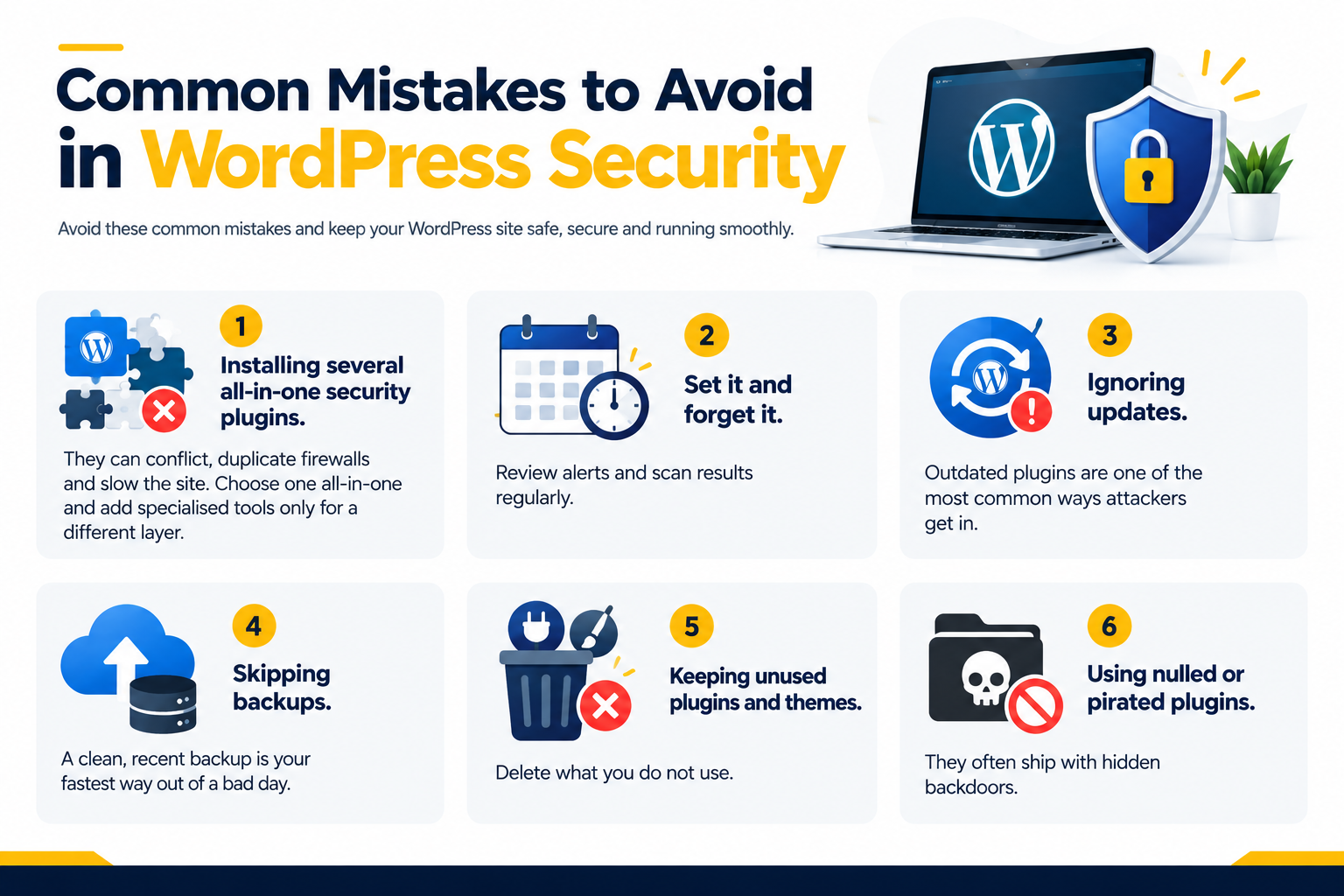
Common mistakes to avoid
- Installing several all-in-one security plugins. They can conflict, duplicate firewalls and slow the site. Choose one all-in-one and add specialised tools only for a different layer.
- Set it and forget it. Review alerts and scan results regularly.
- Ignoring updates. Outdated plugins are one of the most common ways attackers get in.
- Skipping backups. A clean, recent backup is your fastest way out of a bad day.
- Keeping unused plugins and themes. Delete what you do not use.
- Using nulled or pirated plugins. They often ship with hidden backdoors.
A simple WordPress security checklist (beyond plugins)
- Keep WordPress core, themes and plugins updated, and test major updates on a staging site first
- Delete unused plugins and themes
- Use strong, unique passwords and enable 2FA for every admin account
- Give each user only the access they need
- Take daily off-site backups and test that you can restore them
- Use HTTPS everywhere
- Choose hosting that includes server-level protection
- Avoid the default admin username and limit login attempts
- Monitor uptime, file changes and activity logs
Frequently asked questions
Do I need a security plugin if my host already provides security? Hosting-level protection helps, but it usually does not cover login hardening, vulnerability monitoring for your specific plugins, or activity logging. Many sites benefit from both.
Do security plugins slow down my site? Some can, especially those that run scans and firewall rules on your own server. Cloud-based options reduce that load. Pick a plugin that suits your hosting and check your site speed after installing it.
Is a free security plugin enough? For a small site, a well-configured free version of a reputable plugin covers the basics. Business-critical sites should consider premium plans for faster threat updates, support and cleanup.
Can a security plugin remove malware? Scanners detect it, but automatic cleanup depends on the plugin and plan. Complex infections often need manual, professional cleanup.
Final thoughts
Choose one primary security plugin that matches your site, keep everything updated, back up regularly and actually read the alerts. If you would rather not handle it yourself, our team can set up, harden and maintain your WordPress site for you. Get in touch to talk through what your site needs.
Suggested SEO details (for the WordPress editor)
- Title tag: Best WordPress Security Plugins in 2026 (Free and Paid Compared)
- Meta description: Compare the best WordPress security plugins for 2026: Wordfence, Sucuri, Solid Security, Patchstack and more. Find the right protection for your site.
- URL slug: best-wordpress-security-plugins